Image Tier List Maker
Upload your own images, drag them into custom S–D tiers, and export a clean PNG. A free, no-login tier list maker that keeps every picture in your browser.
Hit + Add items to upload images — they drop straight into the tray.
How it works
Upload images
Add any pictures from your device. Each becomes a square tile in the tray, ready to rank.
Drag & customize
Drag tiles into your tiers, then rename and recolor each row to build a fully custom board.
Export a PNG
Download a high-resolution image of your board and share it anywhere — no account, no watermark.
A free, custom tier list maker
Want to rank things that need pictures — characters, album covers, logos, outfits? This tier list maker with images lets you upload your own pictures and drag each one into a tier. Use it as a blank tier list maker and build a board from scratch, or start from a template.
It's a free tier list maker with no login — no sign-up, no watermark — and your images never leave your device, since everything is processed and saved right in your browser. Come back later and your board is exactly where you left it.
As a fully custom tier list maker, it lets you add as many rows as you need, recolor them, rename S–D to anything, and even use it as a blank tier list template — then export a crisp PNG in one click.
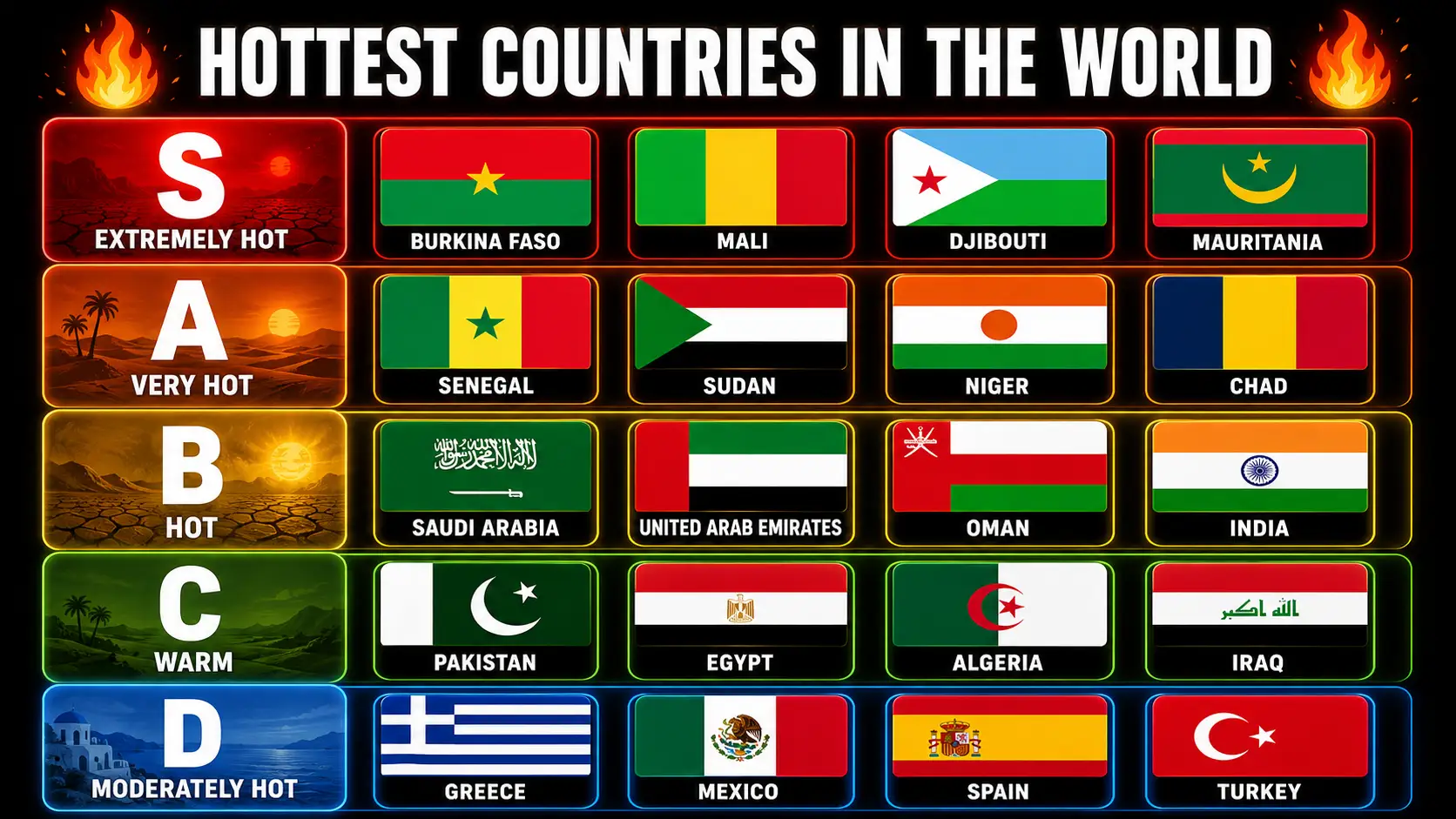
What is Tier List Maker
A tier list is a ranked shelf. You take a pile of things — anime series, movies, games, foods, whatever argument you are currently losing — and sort them into labelled rows from best to worst. The format came out of fighting-game forums, where players needed a fast way to compare characters without writing an essay, and it spread because it survives contact with a screenshot.
A tier list creator removes the spreadsheet stage. Rather than wrestling a table or a design app, you drop items onto rows and drag them where they belong. This one runs online in your browser, it is free, there is no login required, and you start creating instantly.
Here is the part most people have backwards. The value is not the finished picture. It is the twenty seconds where you hover an item between two rows and admit you cannot justify the higher one. Creating the list is the argument; the export is the receipt. Which is why any tool that lets you make tier lists should get out of the way instantly and never ask you to login before you have decided you like it. Good tier lists take four minutes. Registration walls take longer than the task.
Why Choose My Tier List Maker
I built this after hitting the same three walls elsewhere: an account gate, a watermark stamped across my own export, and a mobile experience that collapsed the moment I tried to drag anything. Every feature below exists because one of those annoyed me first.
Free & No Login Required
Completely free, in the boring literal sense — no registration, no trial, no card details at step four. With no login there is no registration step to abandon, and you can create unlimited tier lists in one sitting because nothing counts your boards.
Exports arrive clean: no watermarks, no logos, nothing branding your work as mine. Want a watermarks mark or logos of your own on it? You create that deliberately — it is not a tax for using something free. Unlimited tier lists, no meter, and you start creating instantly.
Professional Customization Tools
The settings panel is where this stops being a toy. Custom titles sit at the top of the board, backgrounds change the whole canvas, and watermark settings cover both visibility and opacity, so copyright protection is there when you need it and invisible when you do not.
You keep complete control of what lands in the export — logos, a copyright line, the watermark, themes, the title. That functionality matters more than it sounds: a custom board carrying your own branding is a different object from a generic screenshot. The control stays with you.
Custom Themes & Formats
Customizable color themes ship as presets you apply in one click, then override row by row. Tiles render in multiple image formats — square, landscape, portrait, round and more — because a film poster and a team badge do not want the same formats.
Color themes and individual colors are deliberately separate controls: themes set a mood across the board, single colours let you break it where it counts. Everything is customizable and nothing is buried three menus deep. That pairing is what makes this both a powerful and a user-friendly tier list creator instead of one at the expense of the other. Professional features normally cost you simplicity; the most powerful setup I could build while keeping it free was this — professional output, obvious controls, no manual.
Multiple Image Formats
Tile shape is a content type decision. Character images and album art read best as square; film posters need portrait; wide stills and logos want landscape; faces and icons look right round.
There is also an original mode that keeps each picture's original aspect ratio rather than cropping it — the one to choose when composition matters more than a tidy grid, since the tool will not force a fit that decapitates someone. Shape support is a single dropdown applied to the whole board, and the aspect ratio follows.
Drag & Drop Ranking
The interface is an easy drag and drop interface, which every tool claims. The parts that genuinely save time are the ones nobody advertises.
Batch operations: switch on Select, tap several tiles, and move items in one action instead of dragging them individually. Multi-item selection is the difference between ranking forty characters in three minutes or twelve. Ordinary drag and drop still works for single tiles — the tool supports both, and dragging one selected tile brings the whole group with it.
Reset functionality is a one-click reset that returns everything to the tray without deleting a thing — one-click, all tiers cleared, items intact. Ranking has to be easy to undo or people never experiment.
Custom Tier Labels & Colors
Rows default to S through D and you should change them. Tier labels are plain text fields — rename S to "Instant Pick", or something only your group will get. Create rows, remove them, reorder them, and build your own ranking system instead of inheriting mine.
Each row draws from a set of beautiful color options, so a five-row board and a nine-row board both stay readable. The ranking system is fully customizable — custom labels, custom colors, whatever structure your topic actually needs. Most topics do not fit S–D. Stop pretending yours does.
Image Library Management
Upload pictures from your device and each becomes a draggable tile. Formats with support include PNG, JPG, JPEG and WEBP — the four you will realistically have.
The detail that matters: all processing happens inside your browser. The tool runs locally, so there is no data storage at my end. Nothing about your image library management reaches a server. You organize tiles in the tray, get a format preview as they load, and when the tab closes those images were only ever on your machine. That is not privacy bolted on afterwards — there is no data storage to breach because nothing is uploaded, locally or otherwise.
Advanced Theme & Background System
The background system covers customizable backgrounds across light themes and dark themes, because a board headed for a dark Discord embed and one going into a light slide deck need different handling.
Presentation modes matter here: a preview shows precisely what will export before you commit, and watermark opacity controls let a mark sit at ten percent instead of the usual eyesore. Between the advanced theme options, the backgrounds and per-row colour you get complete visual customization — real visual customization, not three skins. Themes stack with everything else rather than overriding it.
Professional Branding & Export
Export gives you a high-quality export as a PNG rendered at double scale, so it holds together when somebody opens it full screen rather than turning to mush.
Professional branding is opt-in: add your own logos, custom titles and a copyright line for copyright protection. Watermark control means yours appears if you want it and mine never does — no watermarks from this site, ever. The file is generated by your own machine: the board runs in your browser with no data uploaded to my servers at any stage, which is why it is instant and why there is nothing here to store.
What people build with it
Hundreds of people now use this tool, and watching what they rank shows a clear pattern: the format goes wherever a community argues weekly.
It is built to fit any content type rather than one niche, which is why the same board turns up in very different hands. A food blogger ranking restaurant tier lists, a film enthusiast sorting a year of releases, an anime blogger arguing about a season, a tech YouTuber lining up handsets, a sports analyst grading a draft class — all of them are doing the same thing: upload and organize your images, then rank and compare until the order looks right. Nothing about the tool assumes a subject.
The controls are deliberately few. Drag and drop to rank, use multi-select to move a group at once instead of dragging tiles one at a time, and edit the row names directly — the tier labels are fully customizable, so S through D becomes whatever your topic actually needs. Theme, background, logo and watermark controls are there when a board is going somewhere public, and ignorable when it is not. You can start creating tier lists immediately: there is no setup step, no restrictions on how many boards you make, and customize and download is the whole workflow — the export is a full-resolution PNG rather than a screenshot, so it stays sharp when someone opens it on a phone.
Gaming is the heaviest category by far. A Marvel Rivals tier list after a balance patch, an arena tier list for whichever mode just shifted, PvP rankings that age within a fortnight. A League of Legends ADC tier list gets rebuilt every patch cycle. Warframe and Brawl Stars tier list boards lean on character portraits, which is exactly where multiple image formats earn their keep.
Gacha is its own ecosystem. A gacha game content creator covering Genshin tier list updates, Honkai Star Rail banners, Wuthering Waves, ZZZ tier list posts and NIKKE tier list rankings is publishing on a schedule, so a free online tool that opens smooth and exports fast beats a heavyweight editor. Ranking characters with custom labels and unlimited tiers handles the odd structures those communities use — nobody ranks a gacha roster in five neat rows. Anime rankings and anime game content run the same way, from Anime Vanguards units to seasonal shows and franchise characters. Sports teams and stadiums turn up more often than you would guess.
The people leaning hardest on it tend to be a gaming content creator, a streamer, a mobile gaming streamer working between sessions, or an analyst doing meta analysis for a written post. For them a board is an essential thumbnail and a talking point worth ten minutes in their videos. That makes it a perfect tool requirement rather than a nice-to-have: completely free, no watermarks, drag & drop, finished before the stream starts. Users who create amazing tier lists every week need speed far more than features, and casual players ranking their own favourites want the same thing for different reasons. Either way the rankings and the tier lists should take minutes, not an afternoon.
Building the rows
The board opens on the familiar S to D scale, but none of it is fixed. You can add tiers when five rows are not enough, delete tiers you are not using, and rename any row by clicking its label. Each row takes its own colour, so a board can follow the usual green-to-red gradient or something that matches whatever you are ranking.
Placing items is drag-and-drop, and you can move items between tiers as often as you like — nothing is committed until you export. Reordering inside a row works the same way, for when the order within a tier matters as much as the tier itself.
Presentation is adjustable too. Tiles come in several shapes, there is a range of display fonts, and the board reads the background you pick and adapts to suit it — so light and dark boards both come out legible rather than one of them washing out. A pale background gives you a board that prints and slots into a document cleanly; a dark one suits a forum post or a thumbnail.
FAQ
Do I need to create an account or login to use this?+
No. There is no sign-up process, no login and no registration of any kind. Visit the site and you can begin making your tier list immediately — no need to create an account first. Because there is nothing to sign up for, your privacy stays completely protected by default: I never collect what I never ask for. Start creating tier lists instantly, without registration, and the tier list you build stays yours.
Is My Tier List Maker really free to use?+
Yes — completely free, with no hidden fees. There are no login requirements and no registration required, so nothing gates the tool. You can create unlimited tier lists without restrictions, and your final tier lists export with no watermarks and no branding from this site. There is no premium tier because there is no paid version to upsell you to: unlimited tier lists, free to use, no registration, no watermarks, no login.
What image formats are supported for tier list items?+
PNG, JPG, JPEG and WebP are all supported, which covers essentially anything you have saved. For tier list items you also choose the tile shape: square, portrait, landscape, round, or original, which preserves the original aspect ratio so nothing gets cropped. Pick the image formats and shape that suit your content — posters in portrait, logos in landscape, faces in round. The aspect ratio displays exactly as chosen, so you decide the best fit.
Can I customize the tier labels and colors?+
Fully. Edit tier labels to anything you like — swap S, A, B and C for “Good”, “Bad”, or your own wording. You can add rows, delete rows and reorder tiers freely, and each row takes its own colour from a set of beautiful colors, so you choose and customize how the board reads at a glance. Most topics do not fit a default five-row scale, and the tiers, tier labels and colors are all yours to change.
Can I upload my own images?+
Yes. Click “Add items”, pick any images from your device, and each one becomes a draggable tile.
Can I make a blank tier list?+
Yes. Start with an empty board, add your own tiers and images, and build it exactly how you want.
How do I save or share my tier list?+
Use the download button to export a high-quality PNG image of your board. It arrives with no watermarks and no logos, ready for sharing straight to Discord, Reddit or any social media post, and clean enough for embedding in an article. Because the PNG is a plain image your content travels anywhere without a platform mangling it. Save it locally and the tier list is yours to reuse.
Does the tier list maker work on mobile devices?+
Yes. The tier list creator is fully responsive and optimized for mobile phones, tablets and other touch devices. The drag and drop interface works with touch exactly as it does with a cursor, so the whole tier list maker is usable on a phone. One honest tip: on a small screen drag and drop is noticeably easier in landscape, and there is a prompt on mobile devices suggesting it, because more horizontal room means fewer mis-drops.
What makes this better than other tier list makers?+
Mostly what it does not do. Other tier list makers gate the export, stamp watermarks on it, or hold customization behind an account. Here the professional features cost nothing: backgrounds, presentation modes, themes, colors, custom titles, logos, a copyright line, and tier labels you can rewrite entirely. Multiple image formats and batch operations speed up the boring parts. It is completely free with no login required, so you start creating instantly — and unlimited customization with a clean export is, to me, the best user experience a tier list maker can offer.
Is my data safe and private when using this tool?+
Yes, structurally rather than as a promise. This tier list maker runs entirely in your browser. Your images are processed locally on your device with no data uploaded to my servers, so they are never stored anywhere by me. Tier lists you build are saved in your own browser so they are waiting next time, and nothing syncs outward. That is complete privacy by design: the strongest security posture for a tool like this is not receiving your data at all.
Does it work the same on desktop and mobile?+
Very nearly. The tool is built and tested on desktop browsers on both a Windows computer and a Mac, as well as on phones and other mobile devices, and every feature — including the background system — works on mobile. Extensive testing across browsers goes into proper rendering of the export, and where bugs show up on a specific mobile setup they get fixed rather than hidden. If a feature misbehaves on your device, email me and I will look at it.
What is a tier list?+
A tier list sorts items into labelled rows instead of one long ordered list, usually running S at the top through A, B, C and D. Everything in the same row counts as roughly equal, which makes it far quicker than ranking things one by one from best to worst.
How do I make a tier list?+
Upload your images, drag each tile into the row where you think it belongs, then export a PNG. Rename or recolour the rows first if the default labels do not suit your topic. It is easy to use, there are no restrictions on how many boards you make, and nothing needs installing.
How does a tier list work?+
You start with a pool of items and a set of labelled rows, then place each item in the row you think fits. Nothing is scored or calculated - the ranking is your judgement, which is exactly why the format starts arguments.
Can I make a tier list in Google Sheets?+
You can approximate one with a table and coloured rows, but you have to build the grid, resize every image into its cell and move things by cut-and-paste. A purpose-built board gives you drag-and-drop, editable rows and a clean PNG export without that setup.
Only upload images you have the rights to use. Tier List Maker processes images locally in your browser and is not affiliated with any brand you rank.